
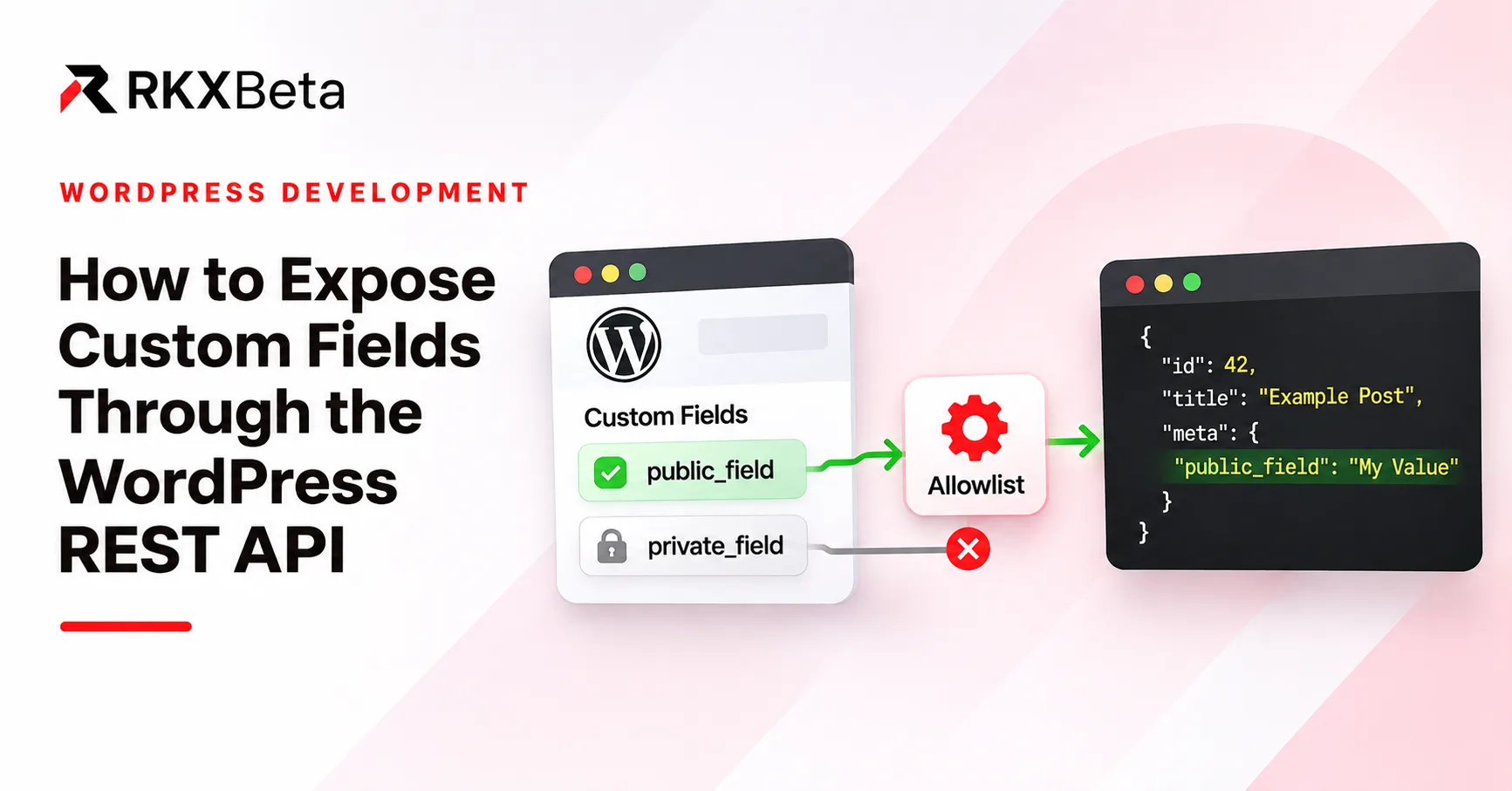
Deciding what may be exposed
The most common mistake in this area is treating "it is in wp-admin" as permission to publish it.
Custom fields accumulate. Someone adds _internal_review_note. Someone else adds _customer_account_ref. Someone adds _license_key_backup. These values may be private. Core does not automatically expose every arbitrary meta key, but another plugin or a custom endpoint can expose one. Review every delivery path rather than assuming that an underscore-prefixed key or its absence from one response guarantees secrecy.
Before writing any code, decide:
- Which specific field does the integration need? By exact meta key.
- Is it safe for anonymous readers to receive it?
- Is it safe for any authenticated user to receive it, or only for some roles?
- What is its type — string, number, boolean, array, object? The type drives the schema.
Pick a field that is genuinely public. In this guide we use a synthetic rkx_public_summary, a short public-facing summary. Do not model the example on an internal notes field, a token, an email address or a personal record.
Registering a post meta field
Put the examples below in a small custom plugin, after its plugin header and defined( 'ABSPATH' ) || exit; guard. They are additions, not standalone plugin files. WordPress has a registration API for metadata. register_post_meta() registers a field for one post type; register_meta() is the generic form that takes the object type as an argument.
add_action( 'init', 'rkx_tutorial_register_public_summary' );

function rkx_tutorial_register_public_summary() {
	register_post_meta(
		'post',
		'rkx_public_summary',
		array(
			'type'              => 'string',
			'single'            => true,
			'description'       => 'A short summary intended for public display.',
			'show_in_rest'      => true,
			'sanitize_callback' => 'sanitize_text_field',
			'auth_callback'     => function ( $allowed, $meta_key, $post_id ) {
				return current_user_can( 'edit_post', (int) $post_id );
			},
		)
	);
}
Line by line:
'post' is the post type passed to register_post_meta(). Internally, that function uses the generic object type post and sets object_subtype to the requested post type. This distinction matters: register_meta( 'post', ... ) without an object_subtype can apply across post types. Here, the field is registered for posts only. Registering it for post does not expose the same key on pages — a different post type needs its own registration.
'type' => 'string' is the schema. It is not a label; it tells the REST API how to validate and serialise the value, and it produces the type information in the response schema.
'single' => true declares one metadata value rather than multiple values stored under the same key. A single value can itself be an array when its type is registered as array; this example uses a string.
'show_in_rest' => true is the switch that makes the field appear in the REST response, under meta. Without it, this registration does not expose the field through core REST meta handling; it may still be exposed by other code.
'sanitize_callback' => 'sanitize_text_field' runs on save. It strips tags and normalizes whitespace for this plain-text field. It is not general schema validation or a substitute for escaping values when rendering HTML.
'auth_callback' controls who may change the value.
The distinction that trips people up
Read the auth_callback again: it governs writes, not reads.
'auth_callback' => function ( $allowed, $meta_key, $post_id ) {
	return current_user_can( 'edit_post', (int) $post_id );
},
This says "only a user who may edit this post may change this field". It does not say "only that user may read this field". With the default REST contexts, a registered field with show_in_rest => true can appear in public post responses. Do not rely on the meta write callback, the key name or post-password protection to keep it confidential; review REST context and explicit read-side controls.
That is not a flaw in the API. It is the contract you opted into by setting show_in_rest => true. If you need read-side restriction, you need a different mechanism: a custom route with its own permission_callback, or a carefully designed register_rest_field callback with explicit read checks and context handling. Do not return an unrestricted private value and expect the meta write callback to protect it.
Do not describe a field as "protected" because it had an auth_callback. The auth_callback protects the value from unauthorised modification, not from unauthorised reading.
Which hook?
Meta registration runs on init. It has to be in place before the REST API serialises a response, and init is where register_post_meta() is called.
Worth separating from the other registration function, because the two are often confused: the official documentation for register_rest_field() recommends registering at rest_api_init, and the reason is efficiency — it avoids running your registration during requests that never touch the REST API. Using init also makes the metadata registration available to non-REST operations such as normal metadata updates; it is not a claim that registration on any other hook is impossible.
So: register_post_meta() on init, register_rest_field() on rest_api_init.
Seeing the field in the response
Once registered and once the field has a saved value, it appears in the post response under meta:
curl -i 'https://example.com/wp-json/wp/v2/posts/42?_fields=id,meta.rkx_public_summary'Illustrative response for a fixture seeded with "Public integration notes":
{"id":42,"meta":{"rkx_public_summary":"Public integration notes"}}Replace `42` with a real post ID from your own site. It is a placeholder throughout this guide.
_fields limits the response; it does not control access
_fields=id,meta.rkx_public_summary restricts which fields are returned. It is a smaller payload, not a security control. A client that omits _fields still receives the full meta object including your registered field.
_fields is useful for payload size and for keeping a client's parsing surface small. It is not a substitute for deciding what to register.
Registration does not create data
This is the step people miss. register_post_meta() declares the field; it does not populate it. An unset registered field can still appear in REST output with its registered default, or a type-specific empty value. For this single string field without a custom default, the native response uses ""; registration does not create a metadata database row.
To seed a disposable test post, either use an editor UI you have implemented or run the following once through a trusted WordPress-loaded tool such as wp eval-file. Replace 42 with that test post's ID; do not put an unconditional update into a plugin that runs on every request:
update_post_meta( 42, 'rkx_public_summary', 'Public integration notes' );Confirm that the value was saved, then read it back through the REST route. update_post_meta() is a server-side API, not an HTTP endpoint; trusted code calling it directly is responsible for its own authorization. It does not independently enforce the REST auth_callback.
One field, one registration
Note the response is {"id": 42, "meta": {"rkx_public_summary": "..."}} — the field sits inside meta, alongside other registered fields. It is not a top-level property of the post. When you register several fields, they all appear under the same meta object.
Updating the value
An update requires authentication and the auth_callback above. On a staging environment with an authorised user, a POST to /wp/v2/posts/42 with a meta payload is the native route. Keep it an explicit staging exercise — do not put a write command aimed at production in a published tutorial, and never include a real credential in the command.
If the caller lacks the capability, the write is rejected. That is the auth_callback doing its job.
Custom post types need their own configuration
A field registered for the post post type is not automatically exposed on a custom post type. Register the type for REST access and enable custom-fields support for native registered meta. This example explicitly chooses the plural REST base books:
add_action( 'init', 'rkx_tutorial_register_books' );

function rkx_tutorial_register_books() {
	register_post_type(
		'book',
		array(
			'public'       => true,
			'show_in_rest' => true,
			'rest_base'    => 'books',
			'supports'     => array( 'title', 'editor', 'custom-fields' ),
		)
	);

	register_post_meta(
		'book',
		'rkx_public_summary',
		array(
			'type'              => 'string',
			'single'            => true,
			'show_in_rest'      => true,
			'sanitize_callback' => 'sanitize_text_field',
			'auth_callback'     => function ( $allowed, $meta_key, $post_id ) {
				return current_user_can( 'edit_post', (int) $post_id );
			},
		)
	);
}
For an existing type, its owner can instead add custom-fields support after registering it. With core's default posts REST controller, removing that support omits the native meta property. Custom controllers and plugins can define their own fields, so this is not a universal rule for every API.
The example collection is:
https://example.com/wp-json/wp/v2/booksIf rest_base were omitted, the default would be the post type key book, giving /wp/v2/book, not /wp/v2/books. Setting 'rest_base' => 'literature' gives /wp/v2/literature in the default namespace. Register metadata against the post type key (book), not its REST base. A wrong subtype registration will not expose the intended field on this type.
When register_rest_field is the better tool
register_post_meta() exposes a stored value. register_rest_field() adds an arbitrary field with callbacks; it can read storage or compute a value. The following example adds a derived field.
add_action( 'rest_api_init', 'rkx_tutorial_register_reading_minutes' );

function rkx_tutorial_register_reading_minutes() {
	register_rest_field(
		'post',
		'rkx_reading_minutes',
		array(
			'get_callback' => function ( $post_data, $field_name, $request, $object_type ) {
				$post = get_post( (int) $post_data['id'] );
				if ( ! $post || post_password_required( $post ) ) {
					return 0;
				}

				$content = wp_strip_all_tags( strip_shortcodes( $post->post_content ) );
				$words   = str_word_count( $content );
				return $words > 0 ? (int) ceil( $words / 200 ) : 0;
			},
			'schema'       => array(
				'description' => 'Approximate reading minutes using 200 words per minute.',
				'type'        => 'integer',
				'context'     => array( 'view', 'edit' ),
				'readonly'    => true,
			),
		)
	);
}
That registers an integer rkx_reading_minutes field on post responses, computed on the fly. The callback returns the same type its schema declares. It reads the source post instead of assuming content.rendered is present in the prepared data, so requesting only id,rkx_reading_minutes with _fields does not change the calculation. It returns zero when the post password is still required, avoiding an estimate derived from protected content.
The divisor 200 is an explicitly chosen display heuristic, not a measured reading-speed claim. str_word_count() is suitable only for a simple approximate Latin-script example; it is not a language-aware word counter. This uses stored content, not a full rendering of dynamic blocks or shortcodes. The get_callback receives the prepared object data as its first argument, followed by the field name, the request and the object type.
Use it when:
- The value is derived — a reading time, a related-post count, a formatted summary — and there is no reason to store it.
- You want an explicit schema for the response.
- You want an optional update callback for a field that is genuinely writable.
Prefer it for adding a field over changing core response fields. Removing or rewriting core fields such as title or content breaks clients that already depend on the native shape, and it is a far larger intervention than adding a field alongside them.
Two cautions:
Watch the per-item cost. A get_callback runs once per item in the response. A collection endpoint returning 20 posts runs it 20 times. If the callback performs an expensive query, that cost multiplies. Cache per-request results, or precompute and store the value instead.
Choose the context deliberately. context controls REST representation contexts, not HTTP methods or user roles. view can be public; edit is subject to the parent route's access checks. Excluding embed keeps this field out of that compact context, but context selection alone is not an authorization policy.
Arrays and objects need a schema
If your custom field holds a list or a structured value, an untyped field gives clients nothing they can rely on.
For a repeated field, type => 'array' alone is not enough. WordPress needs to know the shape of each item, and that information goes inside show_in_rest, which becomes an array holding a JSON Schema:
register_post_meta(
	'post',
	'rkx_public_tags',
	array(
		'type'         => 'array',
		'single'       => true,
		'show_in_rest' => array(
			'schema' => array(
				'type'  => 'array',
				'items' => array(
					'type' => 'string',
				),
			),
		),
		'sanitize_callback' => function ( $value ) {
			return array_map( 'sanitize_text_field', (array) $value );
		},
	)
);
Two nesting details matter:
- `show_in_rest` becomes an array containing the
schemakey, instead oftrue. - `items` lives inside `show_in_rest.schema.items`, not at the top level of the registration arguments.
If you register an array type without that item schema, register_meta() returns `false` and WordPress emits a _doing_it_wrong notice. Nothing throws, so the failure is easy to miss: the field simply never appears in the response.
For a structured object, set the registration's top-level type to object and single to true, then describe the properties under show_in_rest.schema. This is an argument fragment, not a complete registration:
'show_in_rest' => array(
	'schema' => array(
		'type'       => 'object',
		'properties' => array(
			'label' => array( 'type' => 'string' ),
			'value' => array( 'type' => 'string' ),
		),
	),
),
The array type also has strict semantics: the keys must be sequential integers starting from 0, and WordPress reindexes the value with array_values(). So array means a JSON array, and object means a JSON object — the PHP side does not change that.
For an existing value that fails schema validation, core REST meta handling can return null. Sending null for a single meta field normally requests deletion/reset, but core rejects that request with rest_invalid_stored_value when the current stored value is invalid. Send a valid replacement or omit the field until you can repair the data. Do not generalize this to every null or every metadata shape.
Define the shape clients should expect and validate stored data against it. Avoid exposing an arbitrary serialized value as though it had a predictable schema.
RKX API Studio's meta mapping
RKX API Studio offers a separate route to the same goal, without writing PHP.
In Free 1.0.0, when you map a content source, you can select a Custom Meta Field and supply the exact meta key. The plugin then includes that value in the endpoint's output. The full workflow is in Field Mapping, and source selection is covered in Content Sources.
How this differs from the native registration path
These mechanisms have separate disclosure rules:
- The native path (
register_post_metawithshow_in_rest) puts the field undermetain the native/wp/v2response, and follows the meta registry's rules. - The RKX path builds its own endpoint under
rkx-api-studio/v1. Its field mapper reads the value directly withget_post_meta(). It does not inherit the native registered-meta disclosure rules, because it is not going through the native meta registry.
That means the RKX mapping does not require the field to be registered with show_in_rest — and it also means that the native registration's `auth_callback` does not restrict it. The native meta write callback does not run merely because get_post_meta() reads a value. RKX endpoint protection is configured separately; both mechanisms still operate within WordPress and may be affected by other filters.
In the inspected mapper, a stored value of an empty string is mapped to null. So an unset field and a field explicitly saved as '' are not distinguished in the output.
The output shape is also different. The RKX GET route returns a JSON array of records, each with selected fields at the top level. For example, selecting id and meta:rkx_public_summary produces records shaped like [{"id":42,"rkx_public_summary":"Public integration notes"}], not a native item response with a nested meta object. Do not write a client that assumes one works like the other.
Practical advice: use the native registration path when you want the field to behave like a first-class part of the post resource — including type validation and a documented schema. Use the RKX mapping when you want a purpose-built endpoint with a specific field selection and do not need native meta semantics.
ACF-specific mapping
Licensed Pro is an add-on that requires active Free Core. It adds ACF field mapping: discovering ACF fields and mapping them, including supported nested groups, repeaters and flexible content. See ACF Field Mapping.
Two qualifications:
- ACF is a separate dependency. It is not bundled with RKX API Studio and must be installed separately with actual field definitions and values. Its output depends on your field types and configuration.
- Not every custom field needs Pro. Core post meta can be mapped in Free. If your integration reads standard
post_meta, you do not need an ACF mapping.
One more caution on exposure
Both paths make it easy to publish metadata you did not intend to. Before mapping a field, check what it actually contains across your content — a field that is safe on one post type may hold internal notes on another. The plugin and the native API both give you the mechanism; deciding what is safe stays your job.
Troubleshooting
| Symptom | Likely cause |
|---|---|
| Field missing from the response | Not registered with `show_in_rest`, or `register_post_meta()` never ran |
| Native meta field is `null` | Stored value may fail the registered schema; inspect it |
| RKX mapped field is `null` | Missing meta or an empty string maps to null in the inspected mapper |
| Field missing on a custom post type | Registered against the wrong object type, or the type lacks `custom-fields` support |
| Native `meta` absent from a returned post | Check `custom-fields` support, `_fields`, context and controller customization; lack of `show_in_rest` on the type can remove the route itself |
| Value is an object, not a string | Stored as an array or serialised value; register it with a matching schema |
| Writes rejected | Inspect the actual code: parent post permissions can deny an update; meta authorization denial uses `rest_cannot_update` in core |
| Value appears stale | An object cache or page cache is serving an older response |
| Field missing in one response but present in another | The post is in a different state, or a different context (`view` vs `edit`) is being requested |
Missing, null, empty and default are different
Worth separating, because clients usually care about the difference:
- Missing — the key is not present in the response at all.
null— the key is present with a null value. The RKX mapper produces this for an empty stored string.- Empty string — the key is present with
""; this is the native default for an unset single string meta field without a custom default. - Default — the field has a default value applied.
Document which one your integration should expect for each field. If a client needs to distinguish "not set" from "set to nothing", test that explicitly against a fixture rather than assuming.
Where to go next
- WordPress: Modifying REST responses — the official guide to extending responses with custom fields.
- registerpostmeta() — the post-type-specific registration API.
- register_meta() — the generic form, with the object type as an argument.
- registerposttype() — REST bases and custom-field support.
- WPRESTMeta_Fields — native defaults, stored values and write errors.
- registerrestfield() — derived response fields with an explicit schema.
- RKX API Studio — visual endpoint builder with custom-meta selection.
- Field Mapping — selecting metadata keys in the builder.
To select existing custom metadata in a visual GET endpoint, see RKX API Studio's Field Mapping guide. Use Pro's ACF mapping when your integration needs supported ACF-specific output.